Demo Studio · owned fictional sample
× ReleaseCheck Desk | Tyasi LLC
Client handoff summary
One owned demo site. Six agreed public pages, plus two destinations reached by the Client Perspective Checks.
SAMPLE — NOT ISSUED
Not a client order or certification
Initial verdict · HOLD
Both Client Perspective Checks reached the wrong or missing destination. Phone navigation and service-card layout also needed attention.
Sample recheck: five selected issues fixed; three issues remain open. A corrected link or layout does not establish that the whole site is bug-free.
The agency gets a concise decision record first, then reproducible evidence for its developers. On real work, the agency handles implementation; we document and recheck the agreed scope.
The corrected fixture was authored by us solely to demonstrate five rechecks. These are not client fixes or evidence that implementation is included.
01 · Scope and method
What was actually checked
Chrome browser preview at 1280 × 900 and 390 × 844. Phone width is simulated; no physical device or Safari coverage is represented.
Ordinary page views, link navigation and the owned menu control. No purchases, messages, account creation, forms, security probing, load tests or accessibility certification.
| Agreed page | Purpose | 1280 × 900 | 390 × 844 |
|---|---|---|---|
| Index | Navigation and entry points | Viewed | Viewed |
| Services | Image and responsive cards | Viewed | Viewed |
| Work | Project discovery | Viewed | Viewed |
| Pricing | Package information and scope link | Viewed | Viewed |
| Contact | Contact-link destination | Viewed | Viewed |
| Faq | Content consistency and section navigation | Viewed | Viewed |
Reached destinations: /sample-release/before/unavailable.html and the missing /sample-release/before/work/campus.html. Eight initial URLs in total; six are the agreed content pages.
Evidence was captured from the owned fixture in local browser preview before publication. The same fixture files and screenshots are published here. “After” URLs are a corrected version of the fixture, not extra initial pages added to the scope.
Two Client Perspective Checks
| Journey · 3 steps | Initial result, both widths | Selected recheck, both widths |
|---|---|---|
| A · Home → Pricing → Get project scope | HOLD · wrong destination, S-01 | PASS · intended scope preview reached |
| B · Home → Work → Open Campus project | HOLD · missing page, S-02 | PASS · fictional case study reached |
PASS refers only to the named rechecked path. The three remaining open findings still need a decision.
02 · Reproducible findings
The issues, with the evidence behind them.
Severity reflects the observed effect in this fixture: major blocks an intended path or hides important content; minor affects a secondary action, presentation or consistency. These are observations, not estimates of lost revenue.
Showing 8 findings
The scope button opens an unavailable page.
Wrong destination. The visitor cannot reach the promised project scope from the pricing package.
Evidence and reproduction steps
- Page
/sample-release/before/pricing.htmlOpen page- Reproduce
- Open Home.
- Choose “See project pricing.”
- Choose “Get project scope.”
- Observed
- The button opens /sample-release/before/unavailable.html and shows “Scope preview unavailable.”
- Expected
- The project-scope preview opens.
- Developer action
- Point the pricing CTA to the intended scope preview.
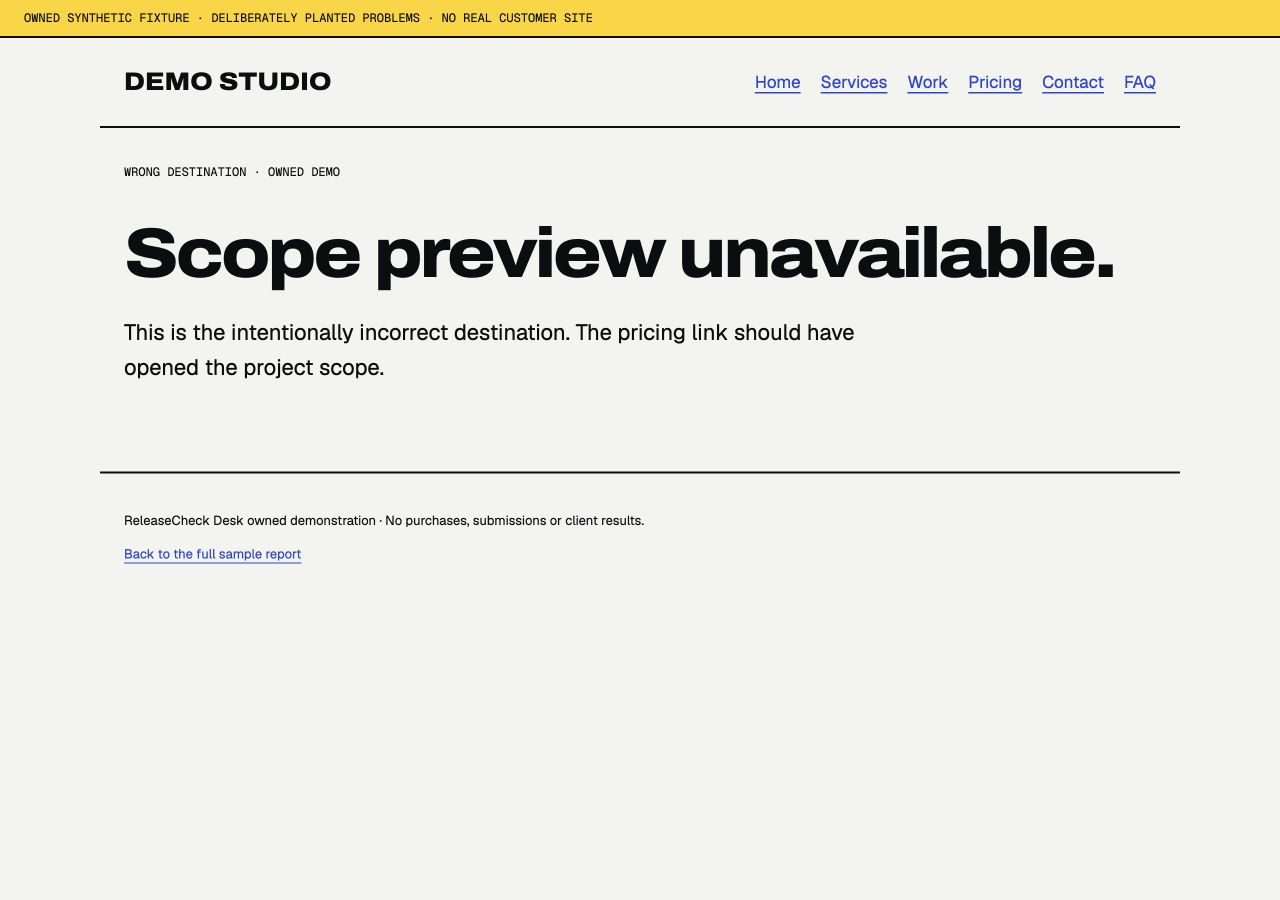
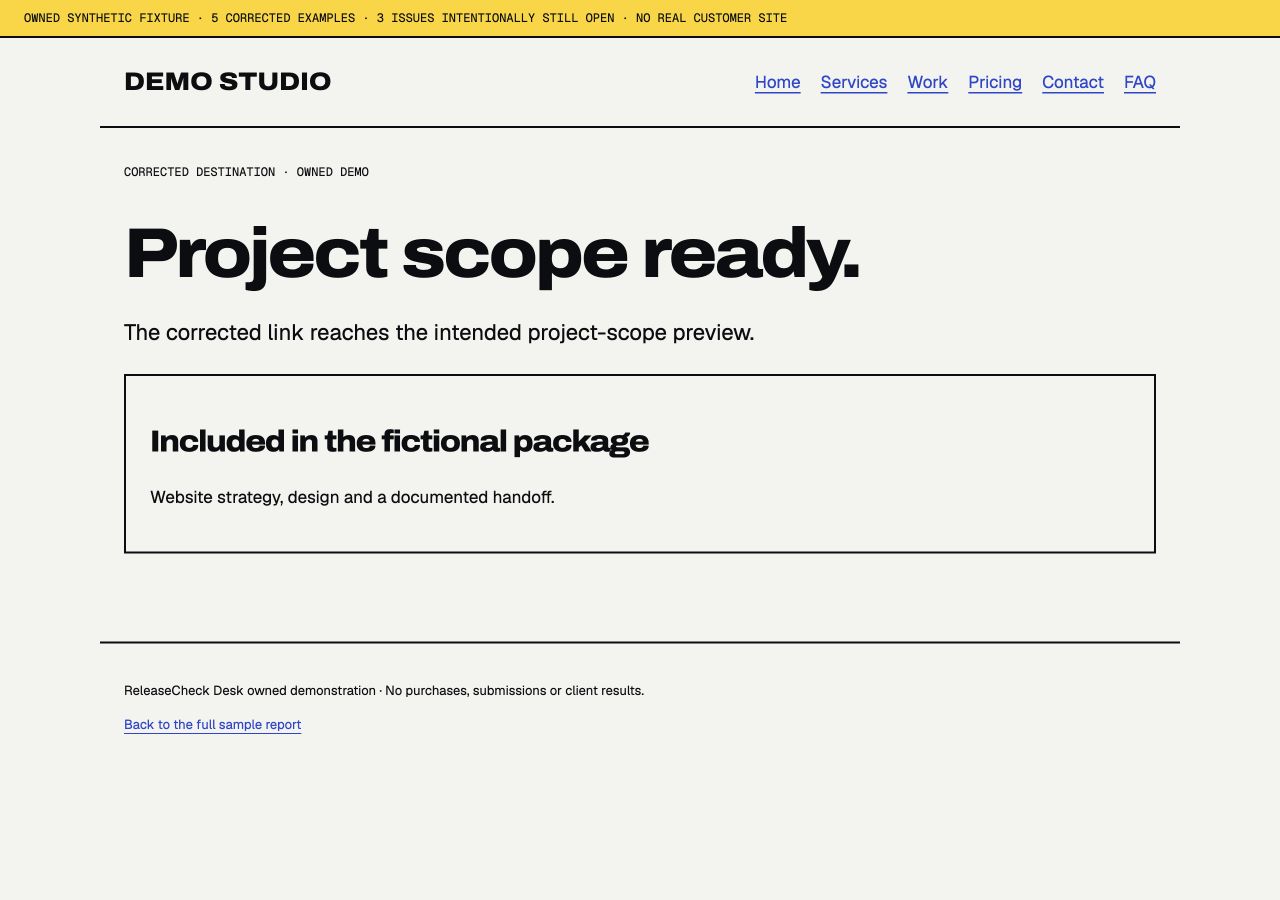
FIXED. The corrected link reached “Project scope ready” at both viewport sizes.
The featured project link reaches a 404.
Missing page. An interested visitor reaches “Page not found” instead of the promised case study.
Evidence and reproduction steps
- Page
/sample-release/before/work.htmlOpen page- Reproduce
- Open Home.
- Choose “Explore recent work.”
- Choose “Open Campus project.”
- Observed
- /sample-release/before/work/campus.html returns HTTP 404 and “Page not found.”
- Expected
- An existing fictional project page opens.
- Developer action
- Publish the intended case study or link to the correct existing page.
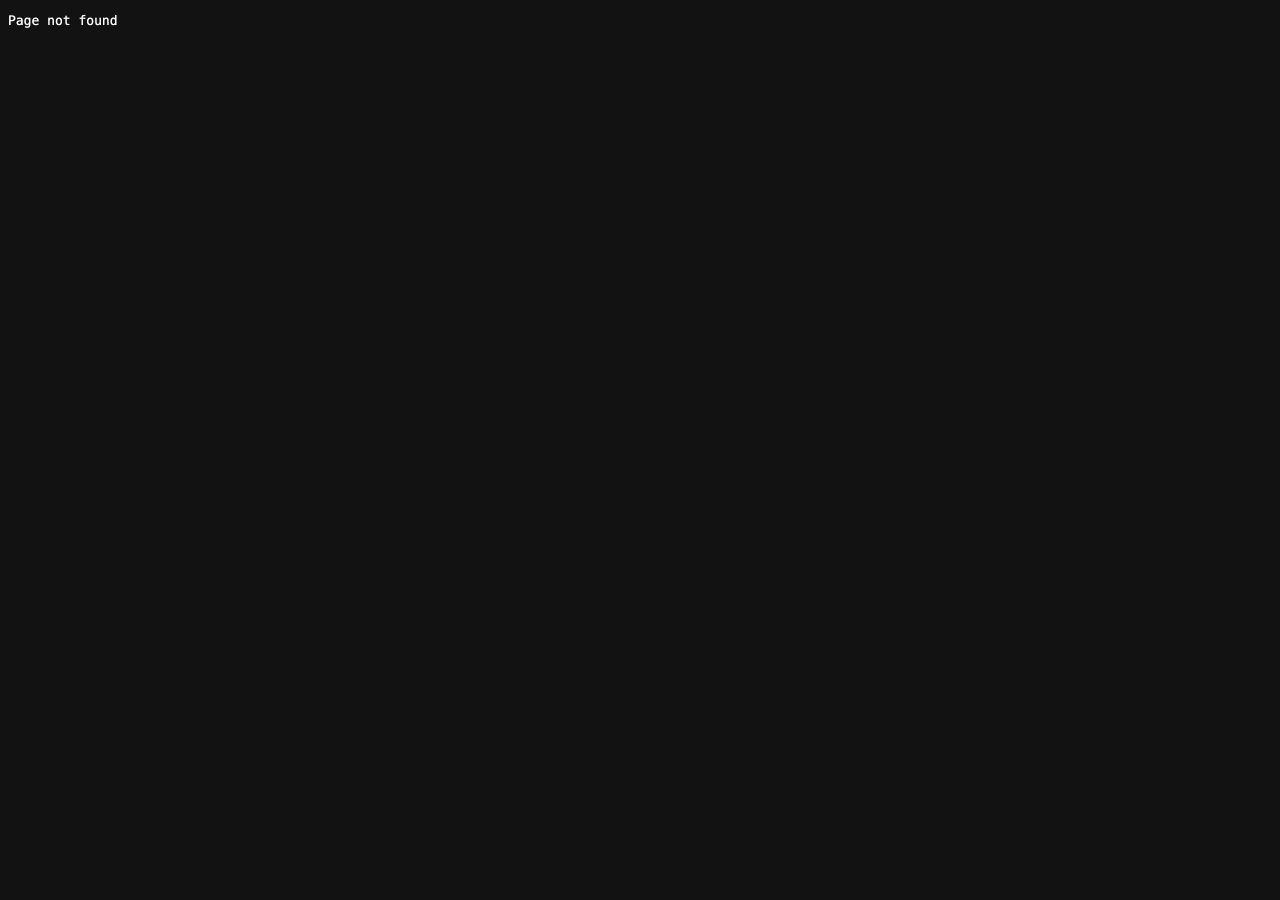
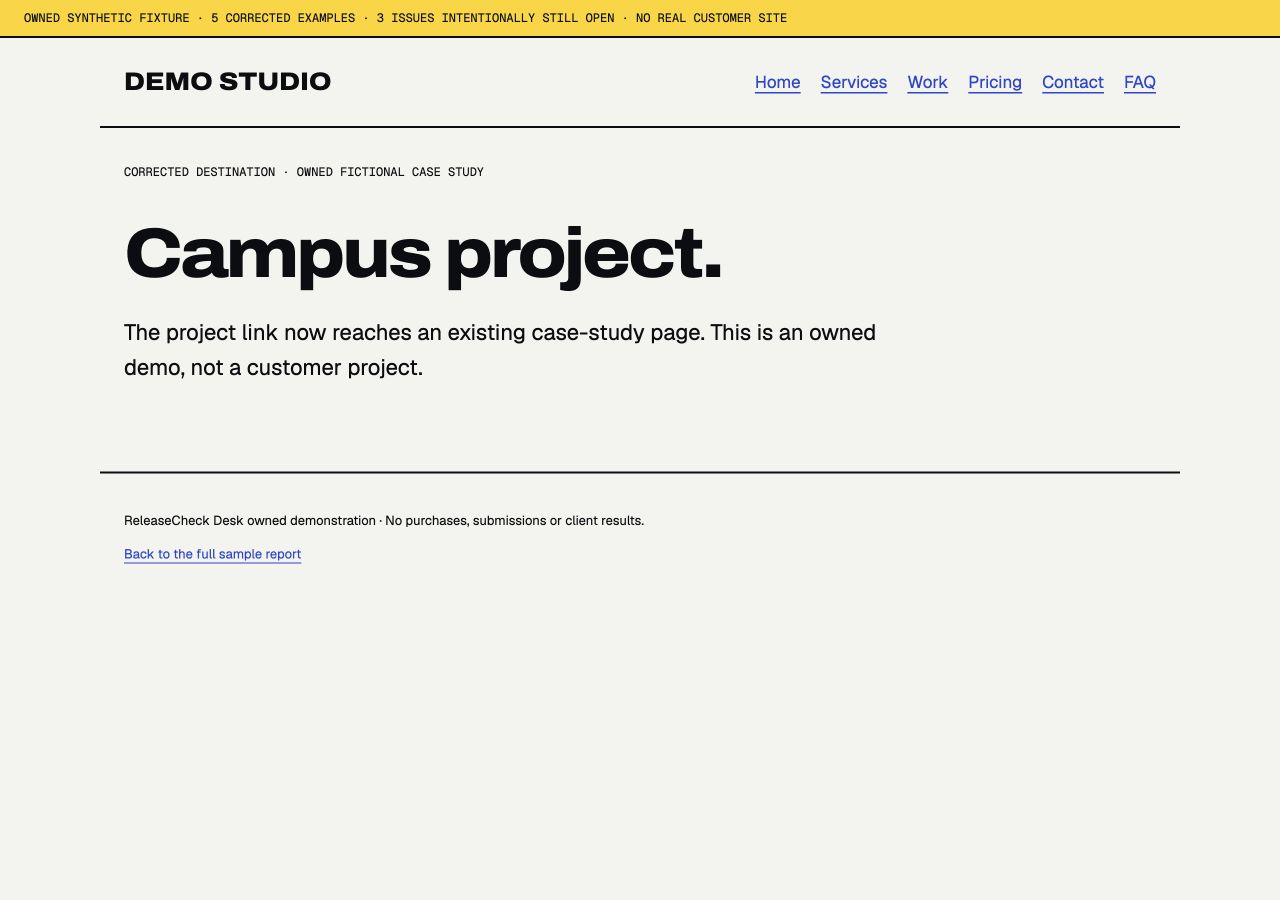
FIXED. The corrected project link reached “Campus project” at both viewport sizes.
The services hero image does not load.
Missing image. The page shows a broken image and fallback text in a prominent visual area.
Evidence and reproduction steps
- Page
/sample-release/before/services.htmlOpen page- Reproduce
- Open Services.
- Look at the hero image below the introduction.
- Observed
- The image targets /sample-release/missing-workshop.jpg. The file returns 404; the browser reports no decoded image.
- Expected
- The owned workshop illustration displays.
- Developer action
- Use the correct image path and confirm the asset is included in the release.
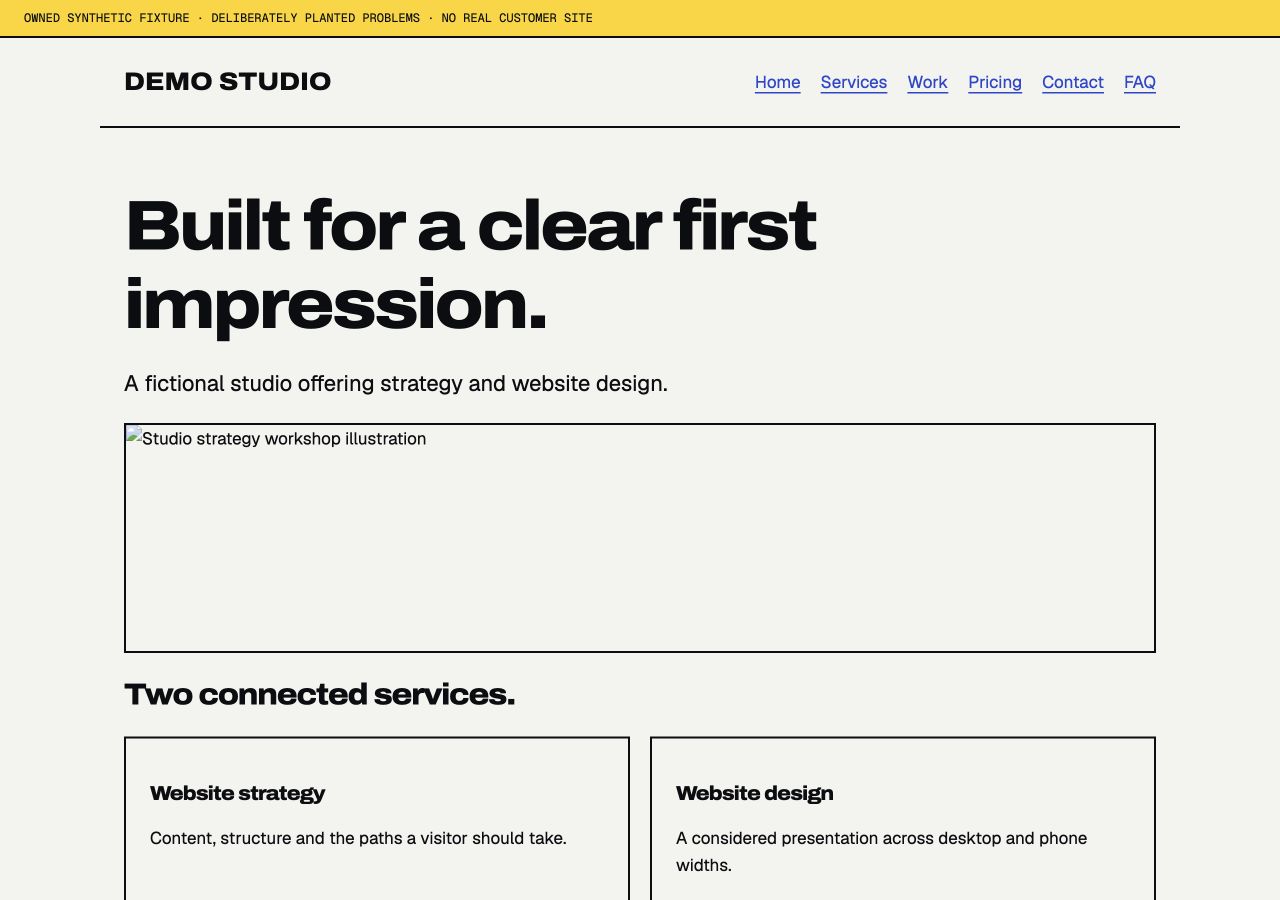
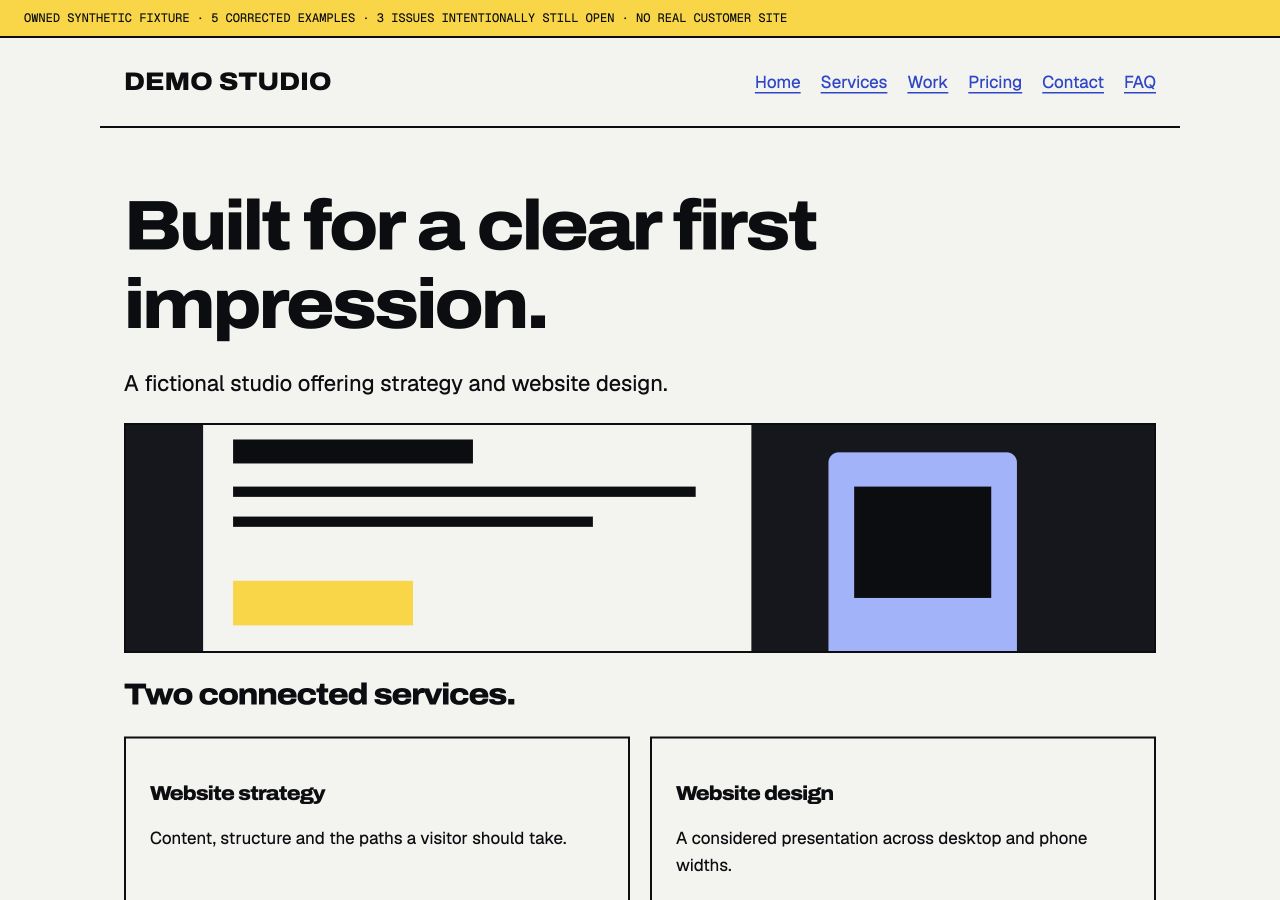
FIXED. The corrected illustration loaded successfully at both viewport sizes.
The service cards overflow the phone viewport.
Phone layout. Part of the service content sits outside the visible phone-width page.
Evidence and reproduction steps
- Page
/sample-release/before/services.htmlOpen page- Reproduce
- Open Services at 390 × 844.
- Scroll to “Two connected services.”
- Inspect the right edge of the service cards.
- Observed
- The viewport is 390 px wide; document content extends to 660 px. The two-column card row is clipped at the right edge.
- Expected
- Service cards fit within the viewport without horizontal panning.
- Developer action
- Allow the fixed-width grid to become a single column at phone width.
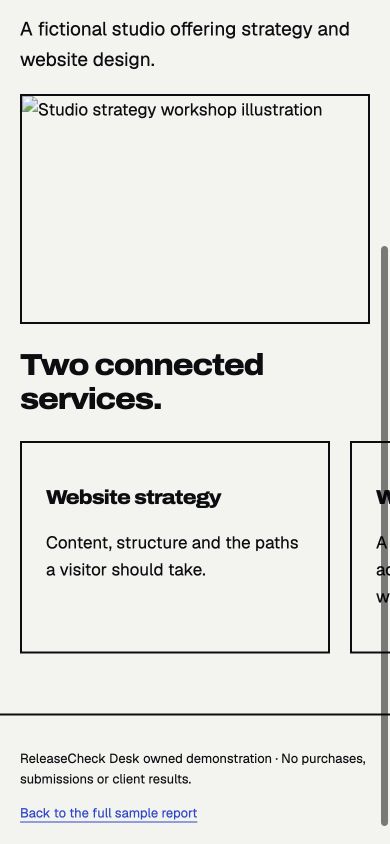
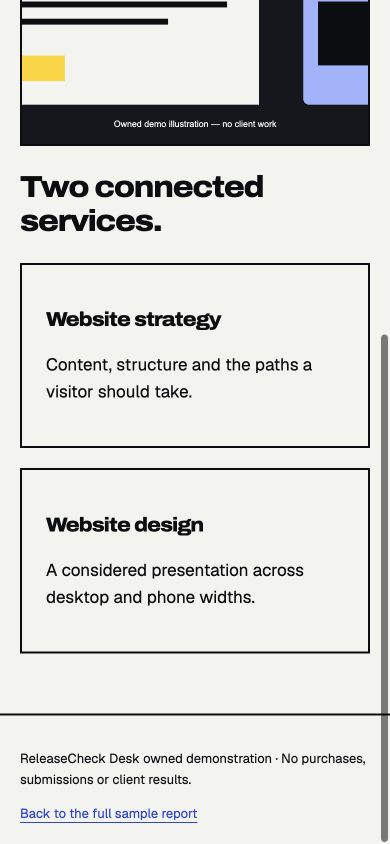
FIXED. The corrected Services page measured 390 px content width inside the 390 px viewport.
The email link uses a nonstandard scheme.
Contact target. The link does not specify the standard email-handler target. An external mail app was not launched.
Evidence and reproduction steps
- Page
/sample-release/before/contact.htmlOpen page- Reproduce
- Open Contact.
- Inspect the “hello@example.invalid” link destination.
- Observed
- The rendered anchor has href="mailt:hello@example.invalid", rather than mailto:.
- Expected
- A standard mailto: target is present when an email action is intended.
- Developer action
- Correct the scheme and confirm the intended address. No message should be sent during QA.
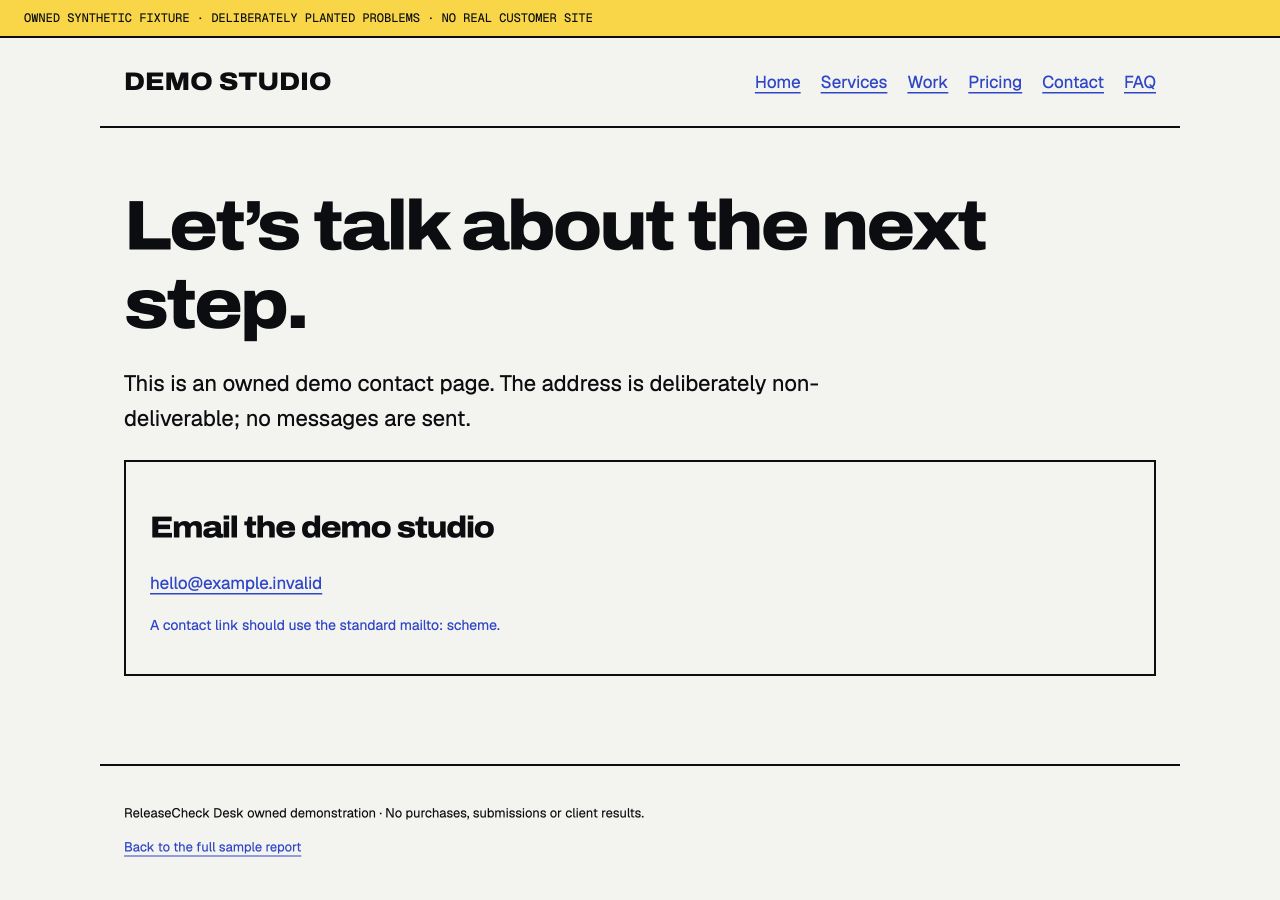
OPEN. Not included in the five-fix recheck. Remains open in this demonstration.
Pricing and FAQ disagree on handoff timing.
Content consistency. A visitor receives two incompatible timing statements for the same fictional package.
Evidence and reproduction steps
- Page
/sample-release/before/faq.htmlOpen page- Reproduce
- Read the handoff statement on Pricing.
- Read “When is project handoff?” on FAQ.
- Compare the two statements.
- Observed
- Pricing says “10 business days.” FAQ says “3 business days.” These are fictional studio terms, not ReleaseCheck delivery promises.
- Expected
- Both pages reflect the same approved package timing.
- Developer action
- Confirm the intended studio wording and update both locations consistently.
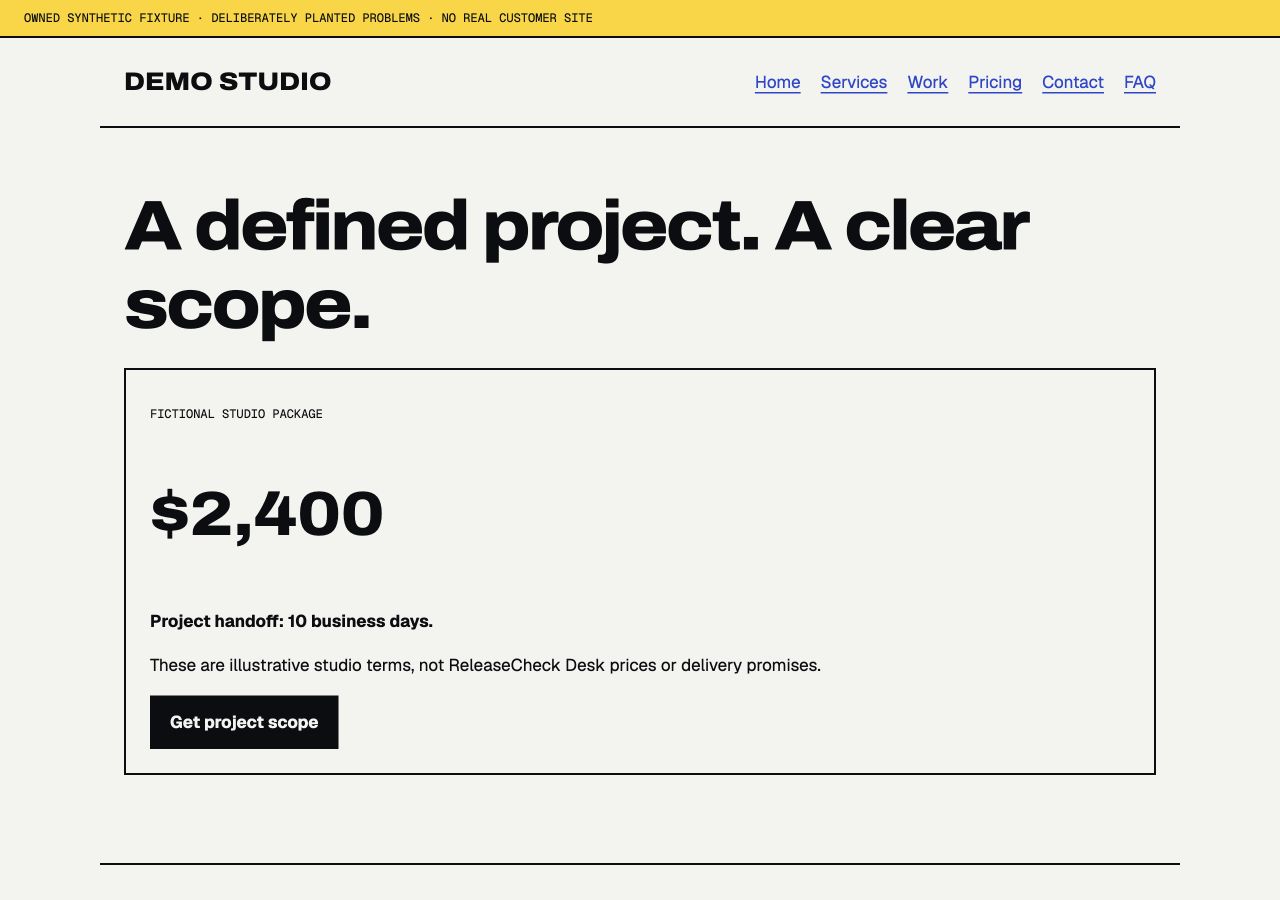
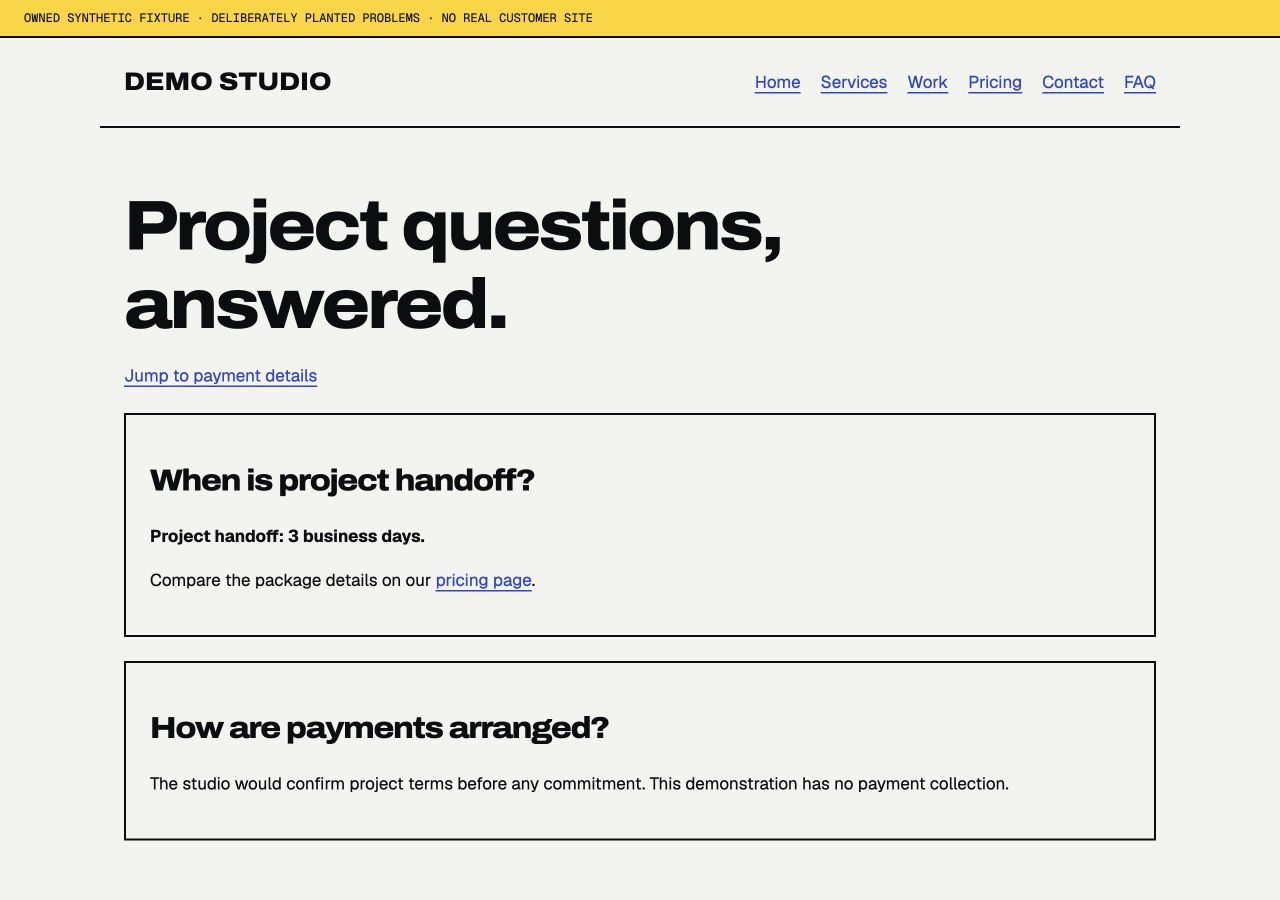
OPEN. Not included in the five-fix recheck. No corrected timing claim is made.
The payment-details jump link has no target.
In-page navigation. The shortcut cannot take the visitor to the intended payment-details section.
Evidence and reproduction steps
- Page
/sample-release/before/faq.htmlOpen page- Reproduce
- Open FAQ.
- Select “Jump to payment details.”
- Check whether the payment section is targeted.
- Observed
- The link points to #payment-details, but that element ID is absent from the document.
- Expected
- The intended section has the matching ID and the shortcut reaches it.
- Developer action
- Add the intended target ID or correct the fragment link.
OPEN. Not included in the five-fix recheck. Remains open in this demonstration.
The phone menu button does not open navigation.
Phone navigation. The main navigation remains unavailable through the phone menu control.
Evidence and reproduction steps
- Page
/sample-release/before/index.htmlOpen page- Reproduce
- Open Home at 390 × 844.
- Select “Menu.”
- Observe the navigation and expanded state.
- Observed
- No navigation appears; aria-expanded remains false after the click.
- Expected
- The navigation opens and the control indicates its expanded state.
- Developer action
- Connect the toggle behavior and keep the visible menu state and expanded attribute in sync.
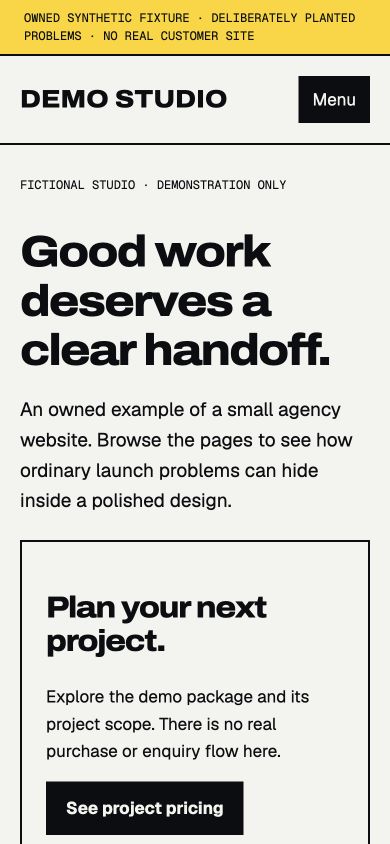
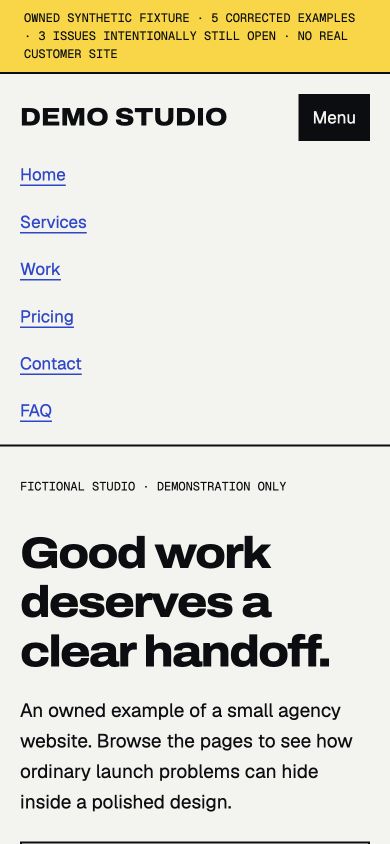
FIXED. The corrected menu opened, exposed its navigation links and changed aria-expanded to true.
03 · Verification of reported fixes
A finding is only the start.
The included Sprint retest covers up to five reported fixes. This sample shows exactly five selected rechecks, with the original evidence retained.
| Selected finding | Recheck evidence | Result |
|---|---|---|
| S-01 · Wrong destination | The corrected link reached “Project scope ready” at both viewport sizes. | FIXED |
| S-02 · Missing page | The corrected project link reached “Campus project” at both viewport sizes. | FIXED |
| S-03 · Missing image | The corrected illustration loaded successfully at both viewport sizes. | FIXED |
| S-04 · Phone layout | The corrected Services page measured 390 px content width inside the 390 px viewport. | FIXED |
| S-08 · Phone navigation | The corrected menu opened, exposed its navigation links and changed aria-expanded to true. | FIXED |
Still open: S-05 email-link target, S-06 contradictory handoff timing and S-07 missing in-page target. They were not included in the selected recheck; no “fixed” result is claimed for them.
What this represents in a paid Website Launch QA package
$125 once: one authorized site, up to ten agreed pages and two Client Perspective Checks of up to five steps each, reproducible findings, screenshot evidence and a client-forwardable hand-off sheet. The report is due within two calendar days of complete intake.
One retest of up to five reported fixes, requested within seven days of the report; the retest report is due within two business days of the request. Your team implements fixes. No security audit, load testing, implementation or accessibility certification is included.
Owned synthetic sample. All eight initial issues were deliberately planted. No customer, paid delivery, independent certification or promise of a defect-free website is represented. The real agency’s release decision remains its own.